
Choosing a gift card sounds simple, but the variety of options – from gaming credits to general prepaid cards – can make it confusing. One wrong pick and you are left with a card that charges activation fees, expires too soon, or works only where nobody shops. To avoid that, start with the recipient's intended use: entertainment, shopping, subscriptions, dining, or all-purpose flexibility.
Open‑loop vs closed‑loop
The broadest distinction is between open‑loop and closed‑loop gift cards. Open‑loop cards (Visa, Mastercard, Amex) work anywhere those networks are accepted. They offer maximum flexibility but often carry activation fees, and some have expiration or inactivity fees after a period. Closed‑loop cards are tied to a specific brand or platform – for example, Sephora, Steam, or Netflix. They rarely charge activation fees, may never expire, and can offer platform‑specific perks like easier checkout or exclusive deals. The catch: they cannot be used outside that brand. If you are unsure what the recipient wants, open‑loop is the safer fallback.
Physical vs digital
Physical gift cards are tangible, work in‑store and online, and often have higher resale value if you later decide to sell them. However, they usually need activation, which may come at an extra cost. Digital eCode cards are delivered instantly, require no activation, and are ideal for last‑minute gifts or long‑distance giving. Choose physical when presentation matters and digital when speed and convenience are the priority.
Category‑specific picks
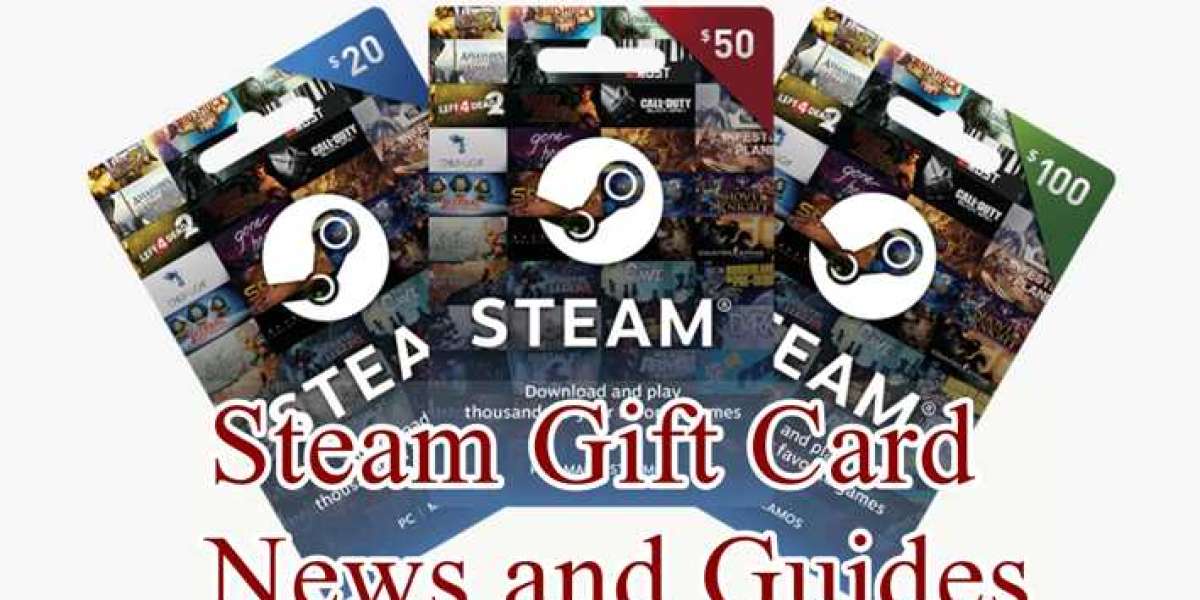
Gaming – The best choice depends on the gamer's platform. Steam (over 50,000 games on PC/Mac/Linux) is the largest PC gaming store. Razer Gold is a virtual credit that works across 40,000+ games on multiple platforms, including mobile and PC. Mobile gamers should go with Google Play (Android) or Apple App Store (iOS). Other strong picks include PlayStation, Xbox, Nintendo, and Roblox gift cards.
Beauty and fashion – Sephora gives access to over 340 beauty brands (Fenty Beauty, Rare Beauty, Dior) in one place. Nike is perfect for fans of its footwear and apparel. Nordstrom covers premium and mid‑range fashion and home goods. SHEIN suits budget‑conscious, trend‑focused shoppers. Other retailers like Ulta, Adidas, ASOS, Zara, and Bath Body Works follow a similar pattern – pick the brand the recipient actually shops at.
Food – Three profiles matter. For dining out, choose restaurant‑specific cards like Starbucks (over 29,000 stores worldwide) or The Cheesecake Factory. For ordering in, delivery‑app gift cards such as Uber Eats, DoorDash, Glovo, or Grubhub let the recipient order from many restaurants. For home cooks, Instacart covers grocery delivery from local stores – perfect for making elaborate meals without going to the market.
Streaming – Netflix gift cards add credit toward subscriptions, giving access to millions of movies and TV shows.
Where to buy safely
Only purchase from official brand websites, trusted retailers, or verified marketplaces. Prestmit is one such marketplace with a wide catalog covering Steam, PlayStation, Sephora, Netflix, Uber Eats, and many others. It offers instant digital delivery, multiple payment options (Naira, Cedis, USD, crypto), and a sell option that pays competitive rates directly to your bank. Security features like biometric verification and two‑factor authentication protect each transaction. Whether you are buying a gift card for someone or selling one you received, choosing a reputable source prevents scams.
Final takeaway
Match the gift card to the recipient's interest. For gamers, go with Steam or Razer Gold. For beauty lovers, Sephora or Nordstrom. For flexible spending, open‑loop cards are your best bet. And always buy from trusted sources to ensure the card works as expected.
What is Steam Wallet Code (BRL)?
Steam Wallet Code is a digital voucher that instantly adds funds to your Steam account, allowing you to purchase games, software, and in-game items without using a credit card.
You can obtain a Steam Wallet Code by topping up on trusted game trading platforms such as Eneba, G2A, or OffGamers, which offer instant delivery and competitive exchange rates.
This method eliminates the need for physical retail cards, giving you a fast and secure way to boost your Steam balance from anywhere.
Why LootBar is the best choice for buying Steam Wallet Code?
For players seeking a reliable way to top up their Steam Wallet Code, the lootbar game trading platform emerges as a top-tier option worth considering. This platform streamlines the entire purchasing process, offering a secure and efficient environment that caters specifically to gamers' needs. With lootbar, you gain access to a marketplace designed to simplify digital transactions, making it an ideal choice for anyone looking to add funds to their Steam account without hassle.
One of the standout advantages of using lootbar is its unwavering commitment to security and convenience. Every Steam Wallet Code purchase on lootbar benefits from advanced bank-level encryption and PCI DSS-certified payment gateways, ensuring your financial data remains protected. Additionally, lootbar supports a wide array of payment methods—including PayPal, Visa, and MasterCard—so you can buy from virtually anywhere. Beyond safety, lootbar offers instant delivery, so once you complete your transaction, your Steam Wallet Code arrives immediately, letting you jump back into your favorite games without delay. Moreover, the platform frequently features exclusive discounts and bundle promotions, helping you save more on each top-up.
Finally, lootbar stands out with its dedicated 24/7 customer support, ensuring any issues or questions you have are resolved promptly. Whether you encounter a payment glitch or need clarification on your Steam Wallet Code purchase, the support team at lootbar is always ready to assist. This round-the-clock availability, combined with the platform's secure processes and speedy delivery, makes lootbar a truly comprehensive solution for topping up your Steam Wallet. By choosing lootbar, you not only get your codes faster and safer but also enjoy a seamless experience tailored to modern gamers.
How to buy Steam Wallet Code (BRL) on LootBar?
To purchase a Steam Gift Card on the LootBar trading platform, first visit the official LootBar website and select your desired language and currency. After logging into your account, navigate to the Gift Card section from the homepage and choose the Steam Wallet Code (BRL) option. You will then need to select the plan that best suits your device, whether you are using a console, PC, or want compatibility with all devices.
Once you have picked the appropriate plan, click on ‘Top-Up Now’ to proceed. Next, select your preferred payment method from the available options and confirm your purchase by clicking ‘Pay Now’. After completing the payment, your Steam Gift Card code will be delivered promptly, allowing you to redeem it for Steam credits and enjoy a seamless shopping experience on Steam.
What is the best Gaming Top-Up Platform?
For players seeking reliable, efficient, and better priced gaming top-up, LootBar stands out as the best platform. Its high level of customer satisfaction is evident from a 4.9/5.0 rating on Trustpilot, confirming its status as the go-to choice for gaming top-up.